Sample guide · synthetic data · illustrative product screenshots
Create and send an invoice
Purpose: walk a teammate through billing for River Cafe LLC in a demo app. Not a real customer.
-
Step 1
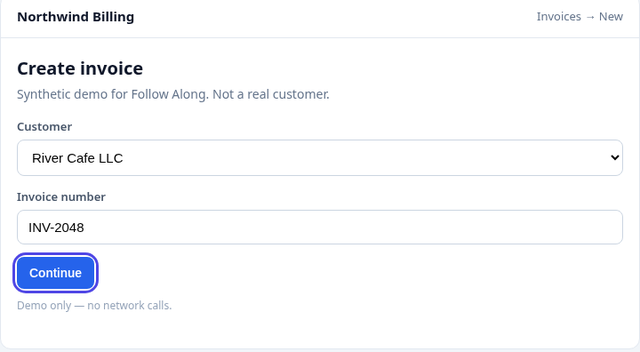
Open New invoice and choose River Cafe LLC.
Confirm the invoice number INV-2048, then continue.
-
Step 2
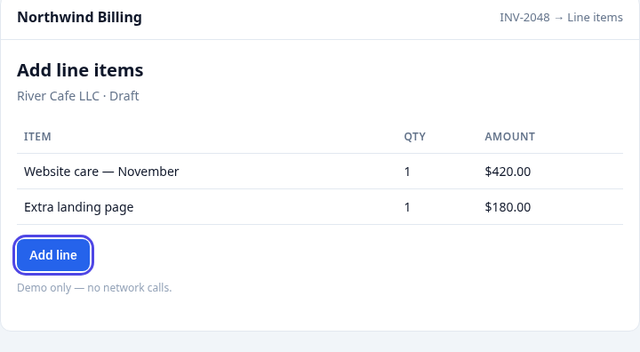
Add line items for the work completed.
Website care and the extra landing page should total $600 before send.
-
Step 3
Send the invoice. Redact the recipient email first.
Redaction permanently removes those pixels from the stored screenshot and from every shared copy.
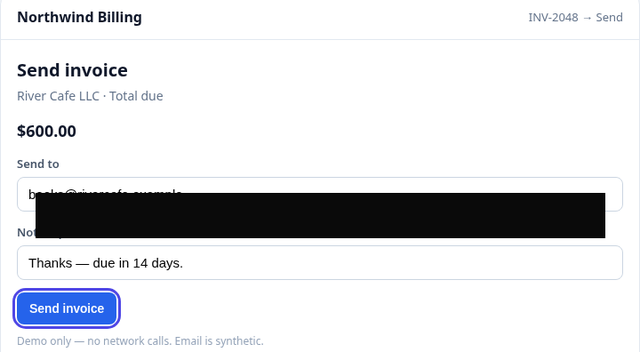


Redaction (before → after)
Harmless synthetic email on a demo screen. After redaction the email pixels are gone.

Record → edit → share
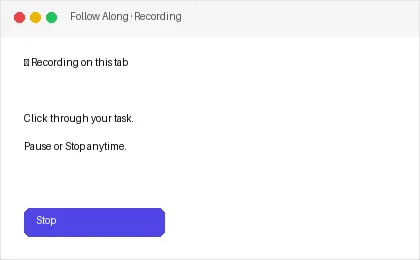
Record 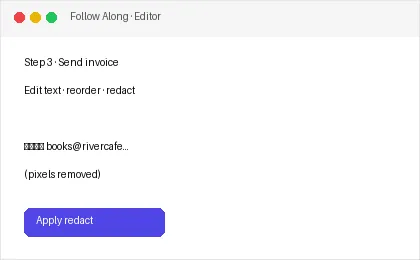
Edit 
Share
Install the Chrome zip Start 7-day trial
$9/mo or $79/yr after a card-required 7-day trial. Cancel anytime.